Home > Products > Quick Video Encryptor > FAQ

ThunderSoft Quick Video Encryptor FAQ

If you haven't installed this software, please Download Quick Video Encryptor to get start.

Q1: What should I do if I forget my Encryption Key?
Q2: Did you use a high level security encryption method?
Q3: Can I play the encrypted video files directly?
Q4: If I copy the encrypted video files to other devices, are they still encrypted?
Q5: Why some of video files failed to encrypted?
Q6: How do I know my video files are encrypted or not?
Q7: Can I use one computer to encrypt video files, and use another computer to decrypt them?
Q8: Can I sell the encrypted video files to my customers?


Q1: What should I do if I forget my Encryption Key?

Contact us at support@thundershare.net to get assistance.


Q2: Did you use a high level security encryption method?

No, if you need a higher level security encryption, go to ThunderSoft DRM Protection


Q3: Can I play the encrypted video files directly?

No.


Q4: If I copy the encrypted video files to other devices, are they still encrypted?

Yes.


Q5: Why some of video files failed to encrypt?

If the video file is read-only, or is playing on a media player, it will be failed to encrypt. You can check the failed list to find error messages.


Q6: How do I know my video files are encrypted or not?

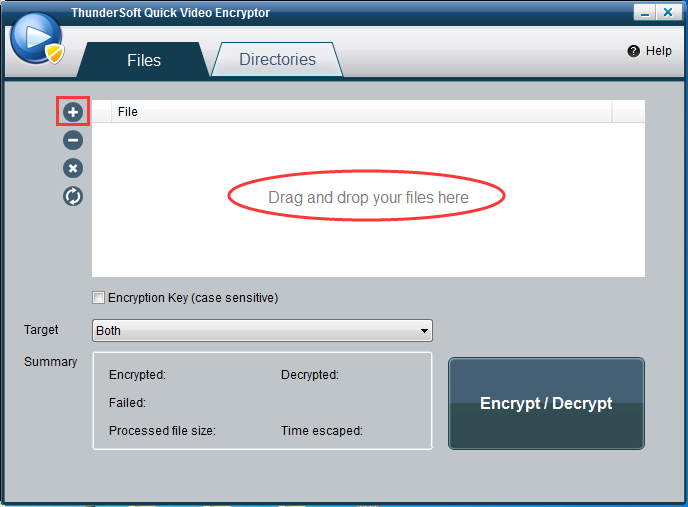
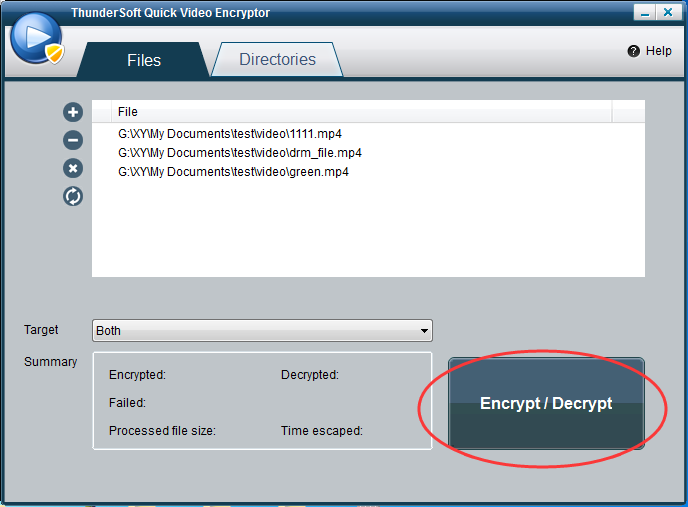
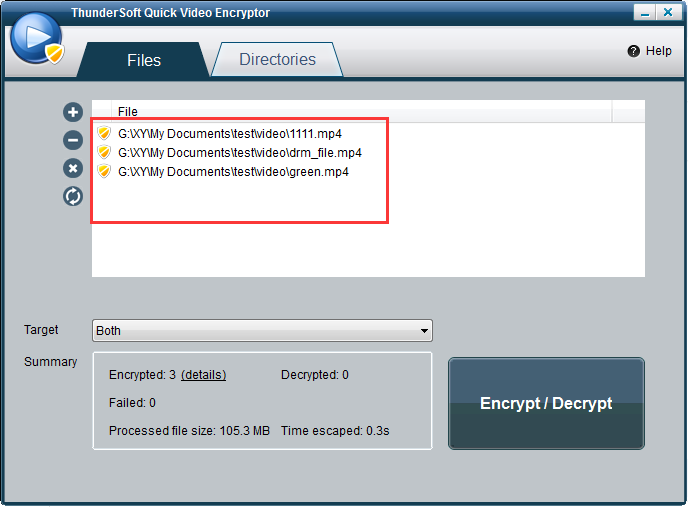
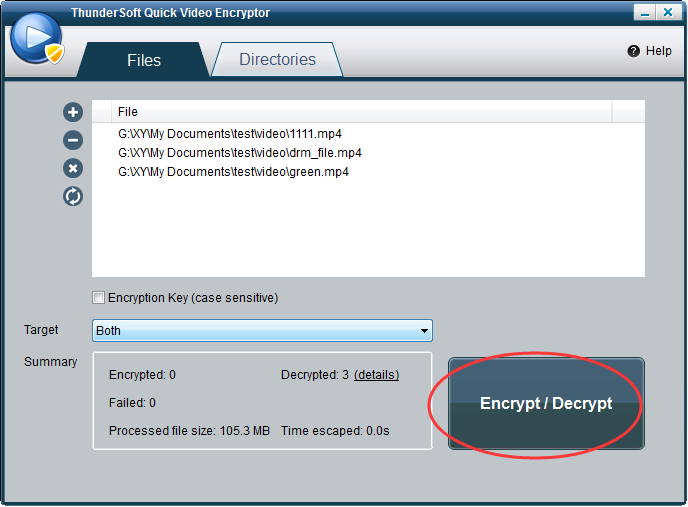
Drag your files here, the shield icon means encrypted.


Q7: Can I use one computer to encrypt video files, and use another computer to decrypt them?

Yes.


Q8: Can I sell the encrypted video files to my customers?

Yes, but ThunderSoft DRM Protection is better to do this.


Related Software
Copyright © 2009-2026 ThunderSoft. All Rights Reserved. Home | About Us | Contact Us | Privacy Policy | Sitemap